What's New in 2026-08 (Visage)
Explore the latest features and enhancements introduced in the 2026-08 (Visage) release.
🔤 Fonts & Typography
Brand Asset Fonts
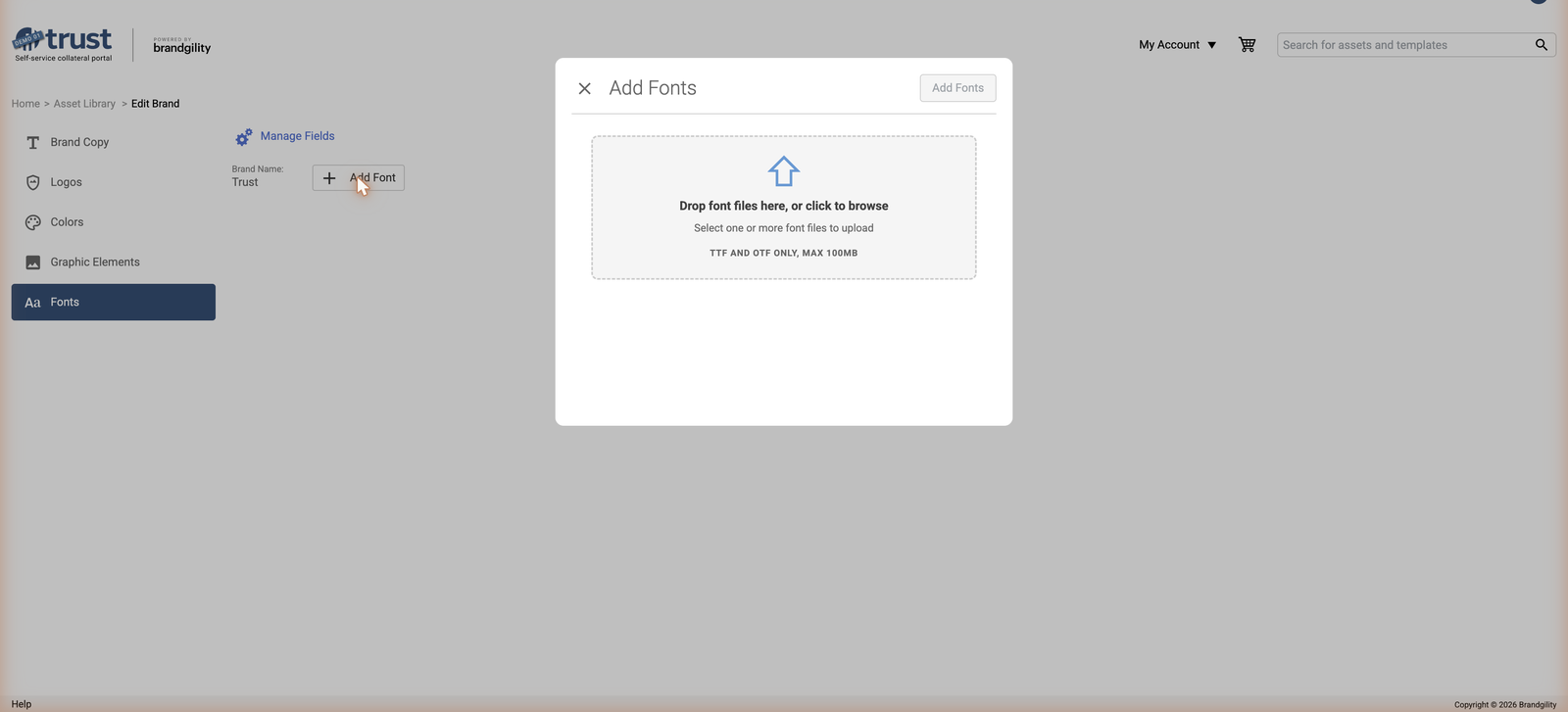
A new Font attribute type can be added to a Brand Asset, and a "Font" tab has been added to the Manage Brand Asset UI to support it. Font Family/Weight controls — including on a Named Style — can be linked to a Brand Asset Font attribute so that templates automatically pick up the linked font. When a template is opened in the editor or on the configure page, linked Brand Font attributes resolve to their current value; if a linked attribute no longer exists, the template falls back to the last-resolved static font. Font attributes are restricted to appropriate asset types (excluding Users and Partners), and the Update Thumbnail process now checks for templates using a Brand Asset Font that has changed.
Redesigned Font Management Page
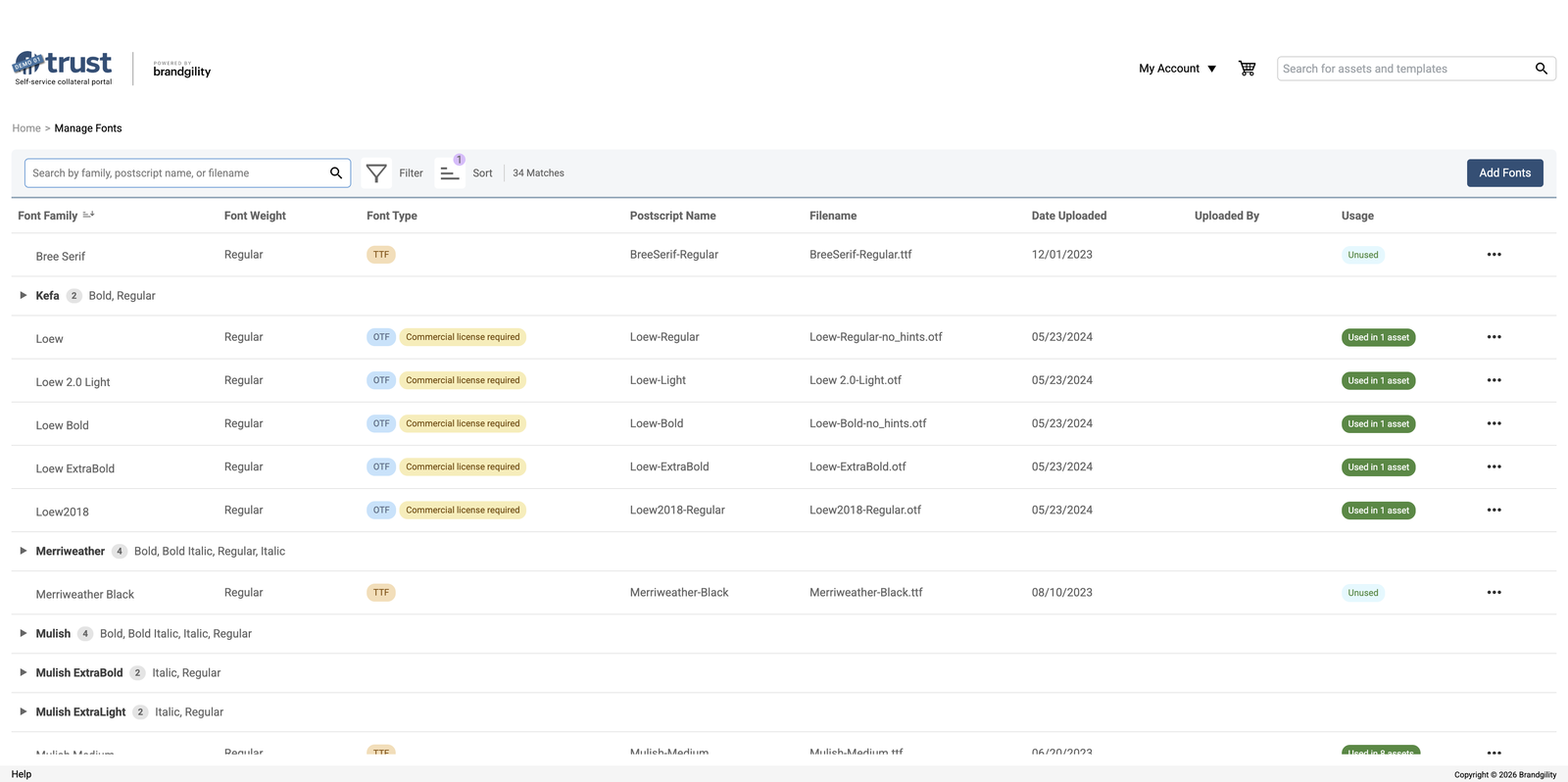
The Manage Fonts page has been redesigned and migrated to the new UI components table. Fonts are grouped by family in collapsible rows, with pills showing font type, commercial license, and usage status, and new columns for Filename, Date Uploaded, and Uploaded By. The page can be searched, filtered, and sorted, the Add Fonts button has moved into the header bar, and a Delete action has moved into a per-row actions menu. Fonts can also be downloaded directly from the page.
Font uploads have been improved to warn the user when: an upload fails, an uploaded font shares the same family and weight as an existing font, an uploaded font shares the same PostScript name as an existing font, or a font's embedding is restricted.
OpenType Stylistic Sets & Character Overrides
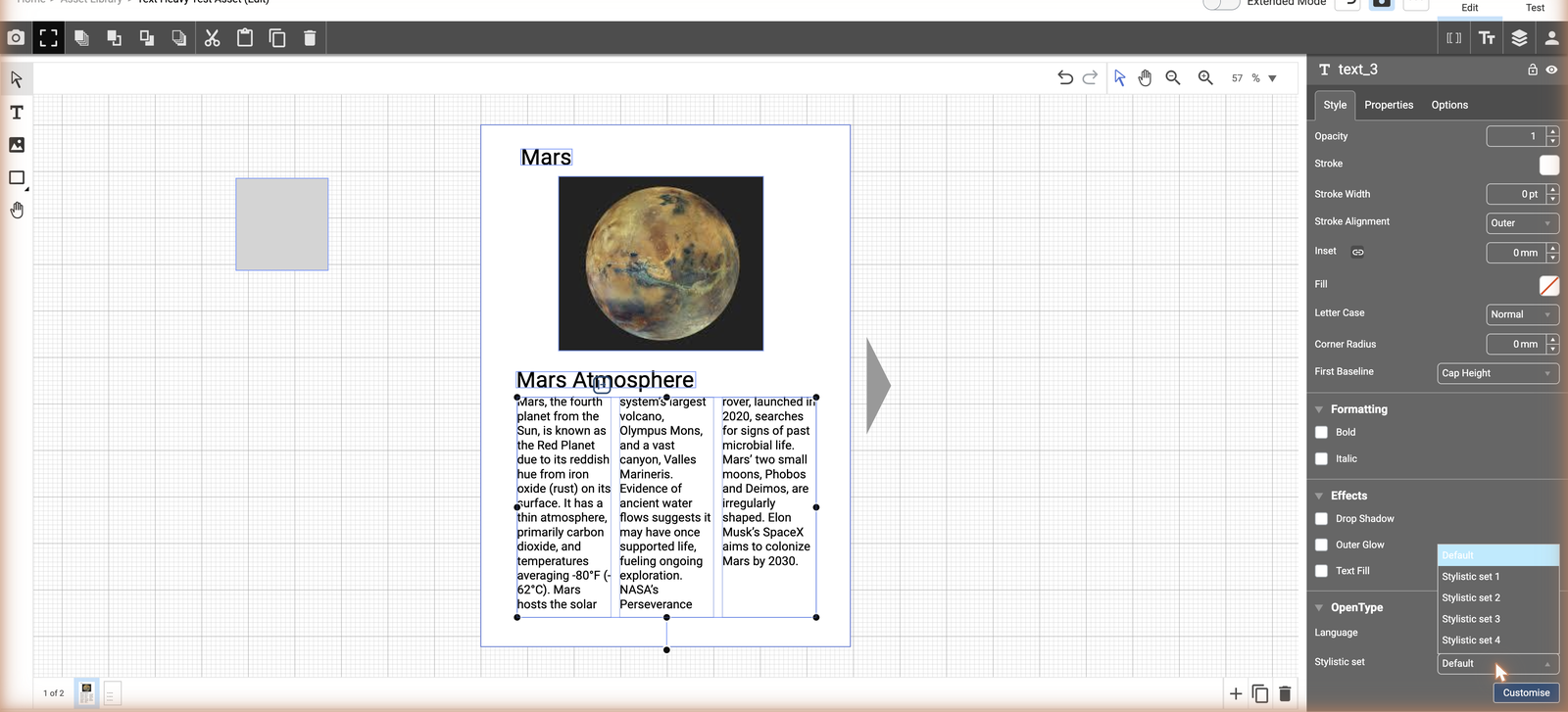
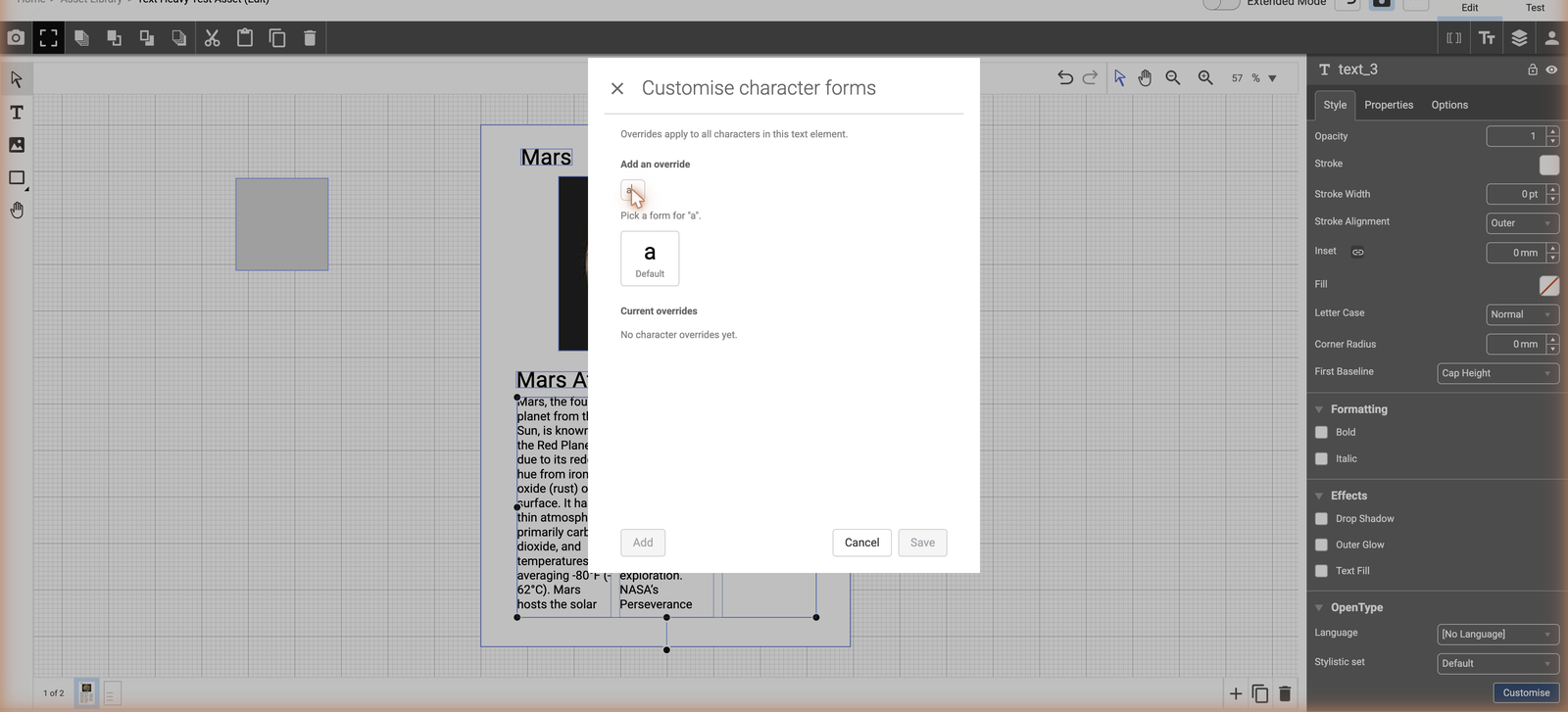
A new Stylistic Set dropdown has been added to the OpenType panel, letting template authors apply a font's alternate glyph forms across a text element. Uppercase text automatically applies the font's case feature alternates, and individual characters can be given a per-character glyph override in the Customise modal — overrides take precedence over the stylistic set default and are preserved when switching sets. Both the template-wide stylistic set and per-character overrides render correctly in canvas preview, digital output, and PDF output, and InDesign import/export carries the stylistic set setting.
🛠️ Template Editor
Drag-and-Drop Quick Logic
Attributes can now be linked to questions, placeholders, and canvas elements by dragging them into place, rather than configuring links through a separate quick logic panel. A drag handle is shown next to each attribute, and dropping it onto a question, the Title dropdown, an Attribute/Customer/Multi-Select/Sub-Template Picker, a placeholder, or a canvas element creates the link directly. While the Quick Logic tab is open, elements are forced into placeholder preview mode. Hovering a link highlights the wire, its target, and the field icon together, and hovering a field with multiple connections highlights all of them at once. Links can be removed individually via an X icon.
Multi-Column Text Elements
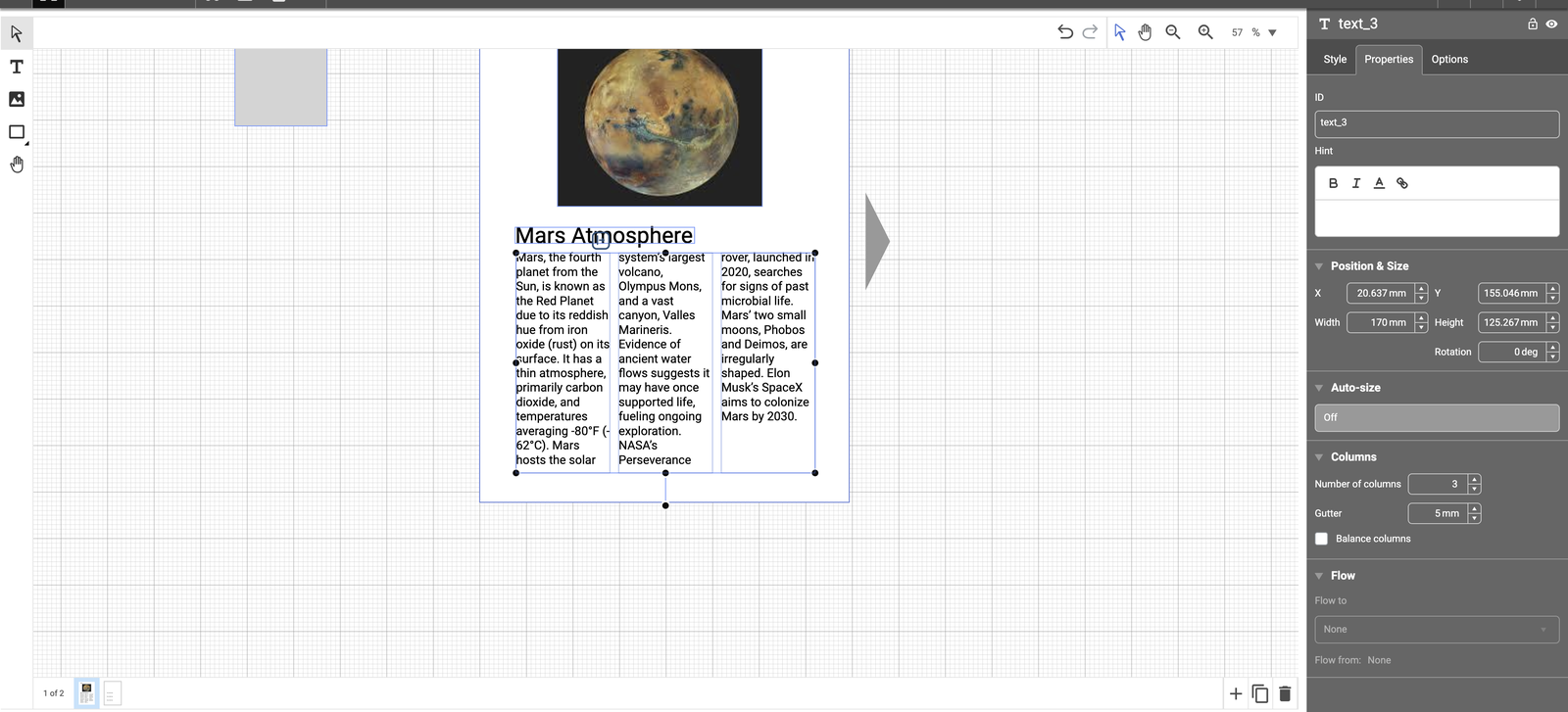
Bounded text elements now support multiple columns. A new Columns section in the Properties panel exposes column count, gutter, and a Balance Columns option that distributes lines evenly across columns; divider lines are shown on canvas when frame edges are visible. Text flows across columns automatically, column order is reversed for right-to-left text, and quick logic can link a text question to a multi-column element. Existing templates are upgraded to a single column by default, and InDesign import/export carries column count, gutter, and balance settings.
Preview/Output Visibility for Layers and Spreads
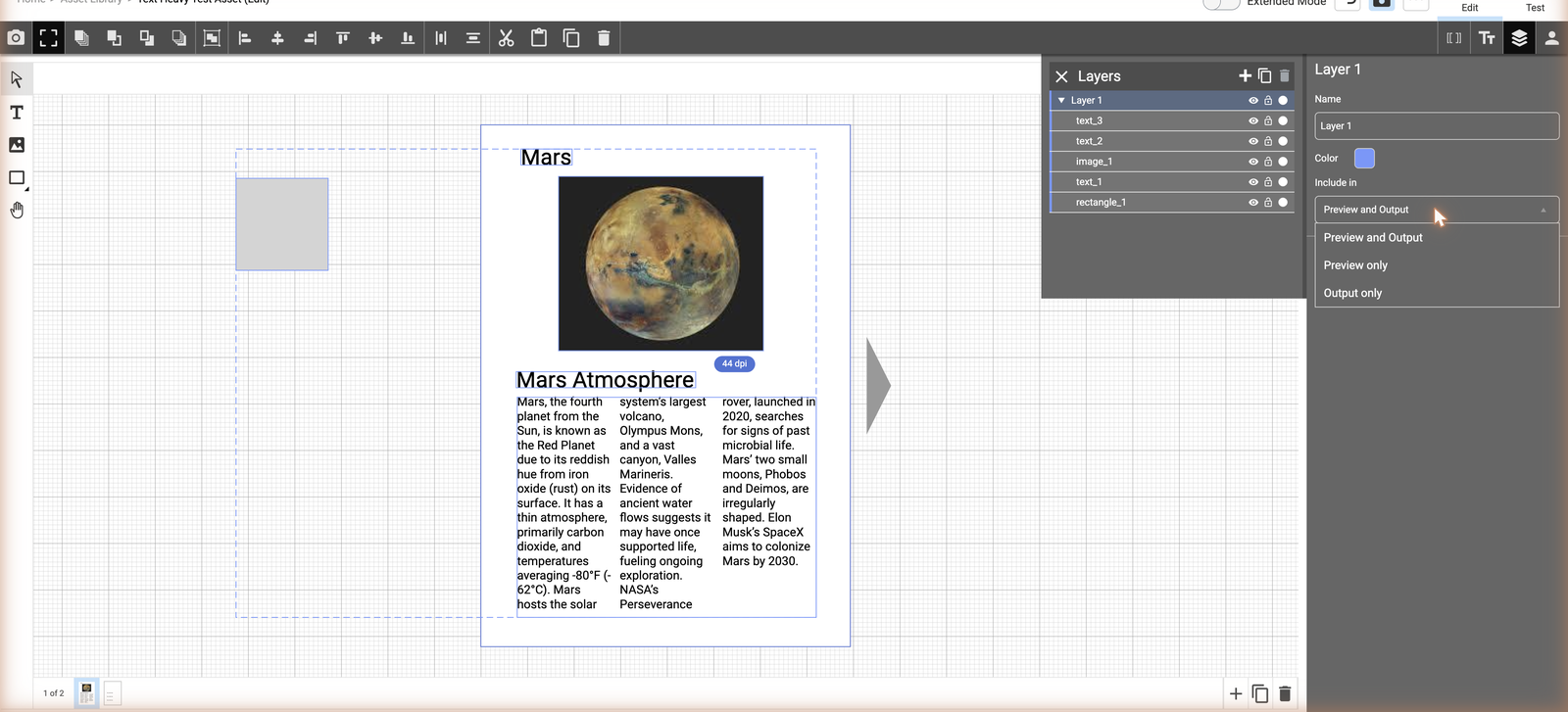
A new "Include in" control has been added to layer and spread properties, allowing a layer or spread to be set to show only in Preview, only in Output, or both — giving template authors finer control over what end users see on canvas versus what is produced in the final output.
Shape Element Hyperlinks
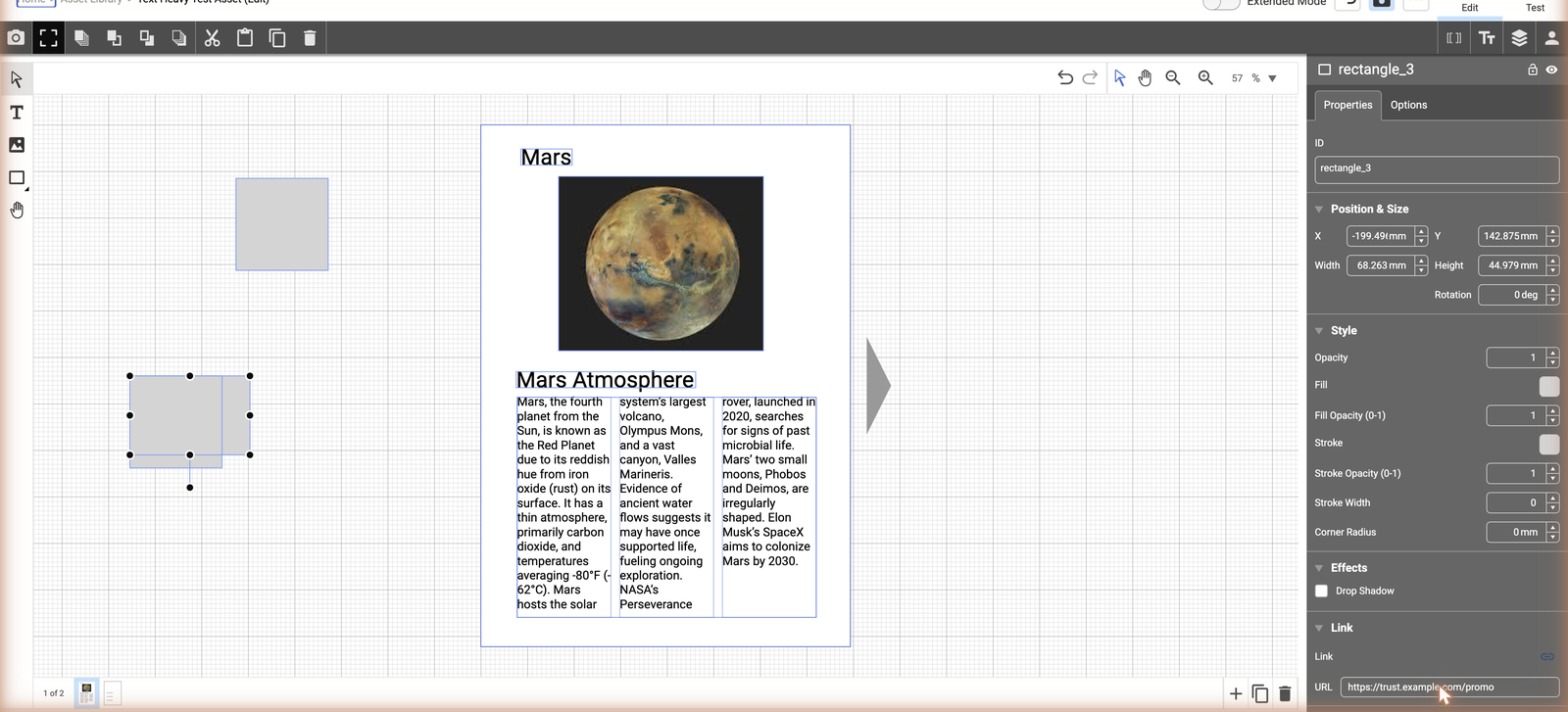
Template authors can now attach a hyperlink to a rectangle, oval, polygon, or line shape element. End users can edit that hyperlink via a linked text question, and hyperlinks entered in translation text fields are applied automatically when a translation is applied to the template.
🚀 Platform & Commerce
Add to Cart Dialog Enhancements
Partner attributes are now shown alongside Question Groups on the Add to Cart dialog, and a new Attribute Group option allows Partner attributes to be organised into groups for display.
Preview for PDF, Word, PowerPoint, and Zip Static Files
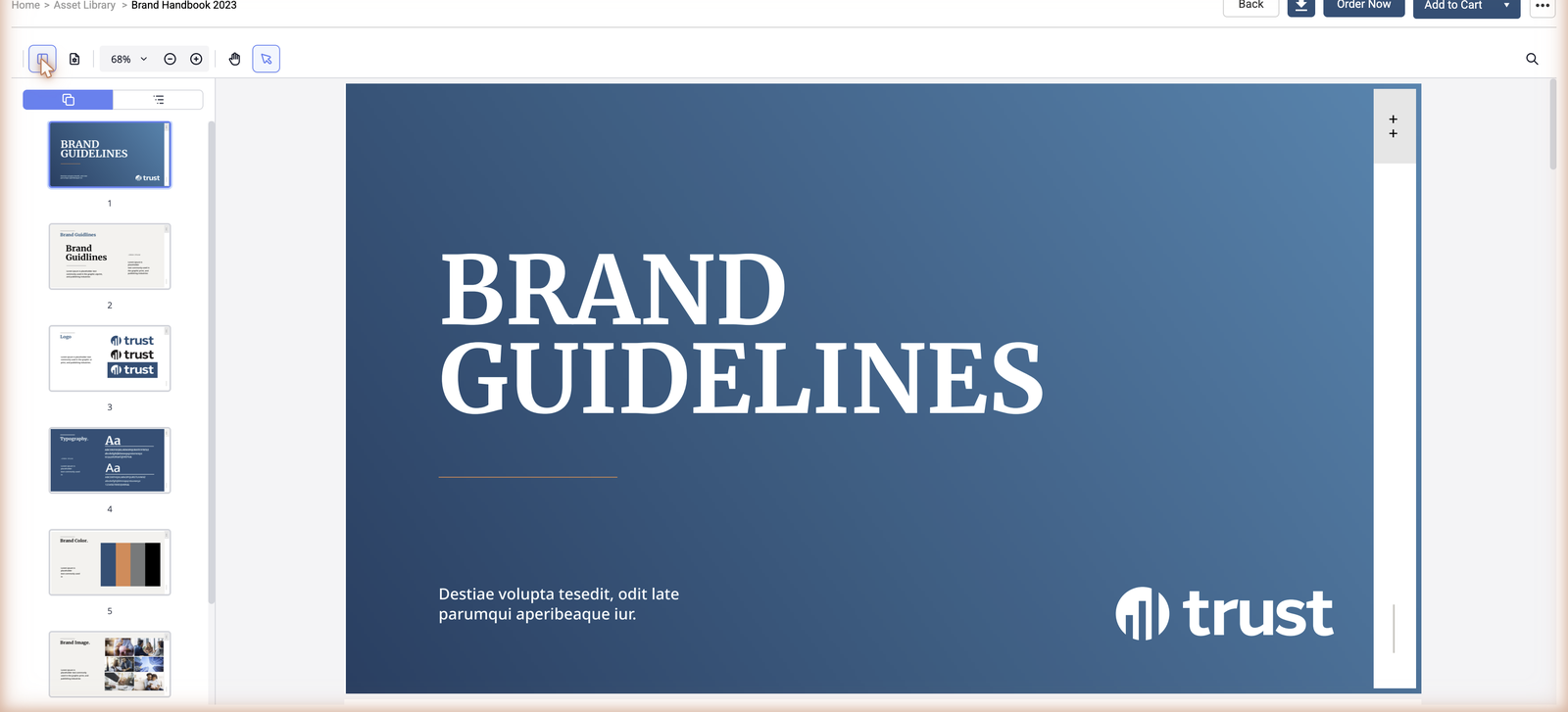
The Preview experience for static library items has been enhanced to properly support PDF, Word (.docx), PowerPoint (.pptx), and Zip files, rather than falling back to a generic thumbnail.
Batch Edit: Published Date
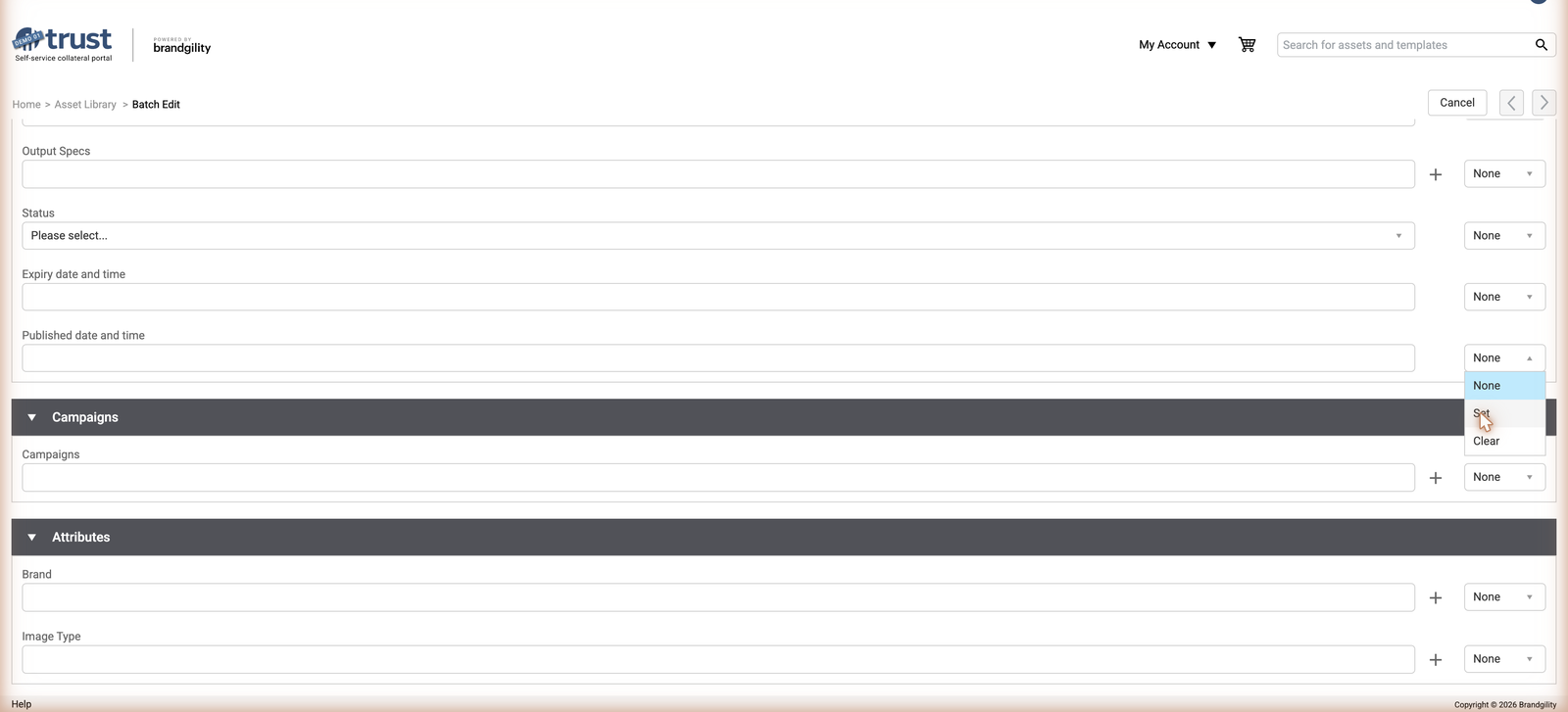
The Batch Edit process now supports setting or clearing the Published date across a batch of selected assets, in addition to the existing batch fields.
🤖 AI Credit Management
A new AI Usage page (gated by a new "Manage AI Assistant" permission, configured via a new AI permission on a role) shows how much of an account's AI token/credit allowance has been used, and AI Settings have moved into the Account App. An automatic warning email is sent when an account's AI credit drops to 10% of its total allowance, and additional detail is now recorded whenever AI tokens are used or an account's AI credit is refreshed — supporting a report showing AI token usage over time.

Additional Improvements
- A new Create User option tile is available, giving users with the appropriate permission a quicker route to creating a new user.
- The attribute types available when creating a new Library Asset Type or a List attribute have been extended.
- Font details can now be returned from Search results, and a font attribute set as metadata is reflected on the Brand Asset tile.
- New templates created via a Content Category tag Access Control values correctly.
- Output Specs can no longer be left orphaned by deselecting Print delivery type once Output Specs are assigned.
- Inline-edited date fields show an editable icon on hover, and the Single Colour attribute control has been enhanced.